
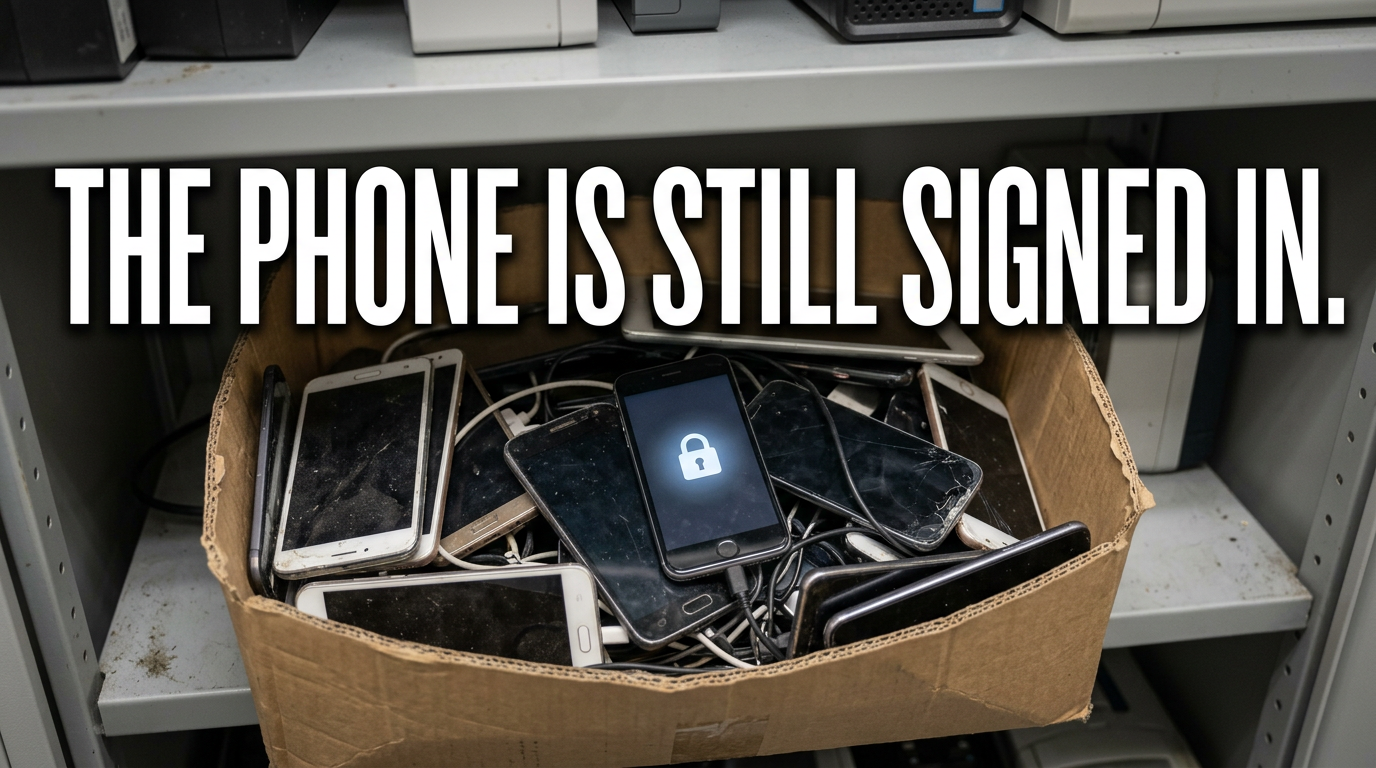
Open the IT cupboard in most offices and you will find a box of old phones.
Some have cracked screens, and some are only two upgrades old. Most still boot, and most are still signed in to somebody’s account.
That box is a data store, a lock nobody can open and a battery fire risk, all at once.
Why phones are harder than laptops
A laptop has a drive you can remove and destroy. A phone keeps everything on a chip soldered to the board.
Phones also travel. They go home with staff, sit in cars and get lent to family. By the time one comes back, nobody knows where it has been.
They hold more than email. Messages, photos, two-factor codes, customer contacts, call logs and location history all sit on the device.
They often hold personal data too. Staff mix work and personal use, especially on older handsets.
So a phone in a drawer carries more risk than its size suggests. Treat it like any other data-bearing device.
The lock that stops everything
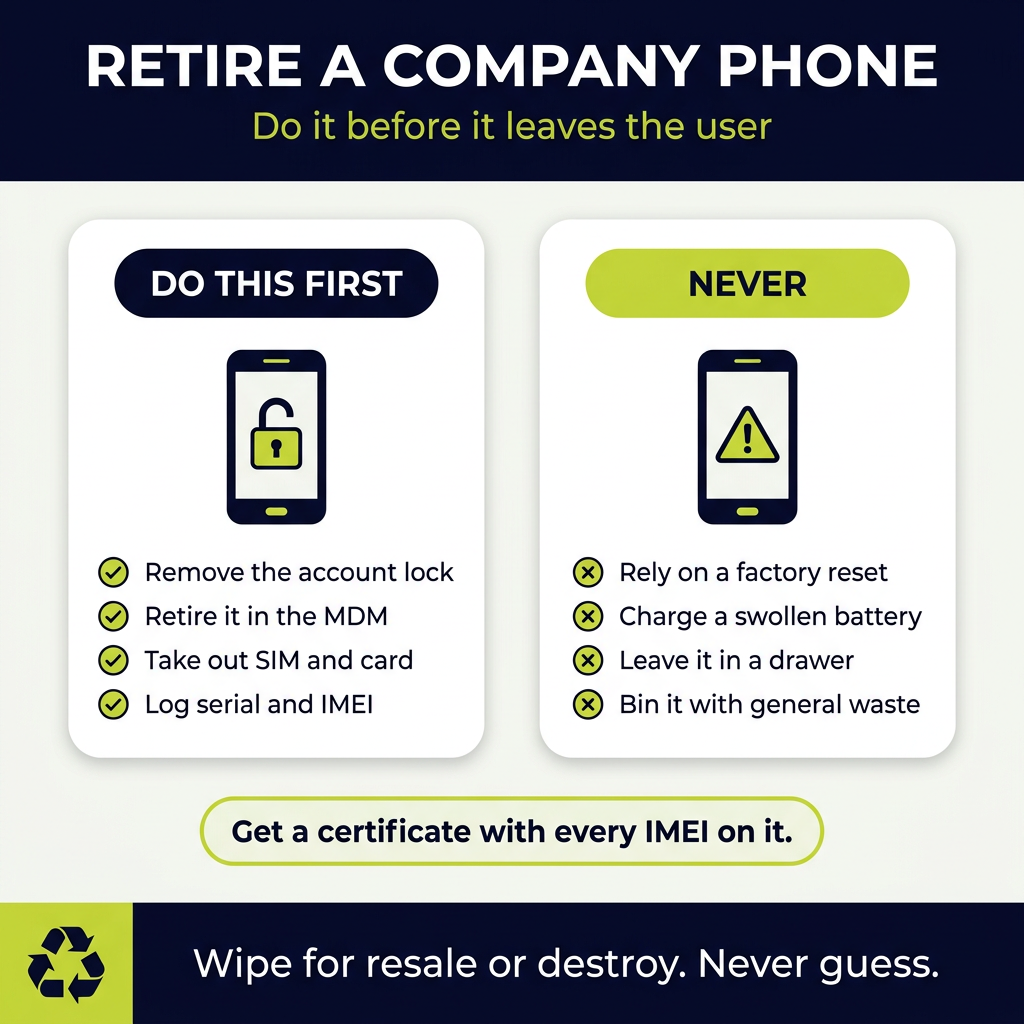
Most modern phones carry an anti-theft lock tied to the user’s account.
On Apple devices it is Activation Lock, linked to Find My. On Android it is Factory Reset Protection, linked to the Google account.
While the lock is on, the phone is almost worthless. Nobody can reset it for reuse, and refurbishers will not buy it.
The lock survives a factory reset. Wipe the phone without removing the account first, and it stays locked. The owner may have left the business years ago.
Remove the account before the device leaves the user. Make it part of the leaver process, not a job for the IT team six months later.
If the user has already gone, the account owner or the platform administrator may be able to release it. That takes time, so start early.
Retire the device in your MDM first
Most businesses manage phones through a mobile device management platform. That platform is where retirement should start.
Retire or remove the device in the MDM. That strips company profiles, apps and email accounts.
Release it from any enrolment programme. Devices registered to the business through Apple Business Manager or Android Zero-Touch can re-enrol themselves after a reset.
Record the serial number and IMEI. You need them for the asset register and the destruction certificate.
Skip these steps and the next owner may find the phone tries to re-join your company network. That is a problem for them and a security gap for you.
SIMs, eSIMs and memory cards
The phone is not the only thing holding data.
Remove physical SIM cards and any memory cards before collection. Memory cards are tiny, easy to miss and often full of photos.
Cancel or transfer the number. A live SIM can still receive calls and texts, including security codes.
eSIMs live inside the phone. Ask your network provider to deactivate the profile, then remove it from the device during the wipe.
Put removed SIM and memory cards in the secure data stream, not the general bin.
Wipe, or destroy?
There are two honest routes for a company phone, and the choice depends on the device and your risk appetite.
Certified wiping for reuse. Specialist software wipes a working phone once the account lock is off. A check confirms the wipe, and the phone goes for resale.
Our guide to data wiping versus physical destruction explains the trade-off.
Physical destruction for anything that cannot be verified. Locked devices, broken screens that block the wipe and phones from high-risk roles go for shredding.
Whichever route you choose, insist on a certificate listing each device by serial number or IMEI. Our guide to data destruction standards covers what a proper certificate includes.
Our data destruction service handles both routes, with collection from sites across the UK.
Resale value fades fast
A two-year-old business phone still has real value. A five-year-old one has very little.
Do not let phones sit for years. Every month in a drawer takes money off the resale price.
Keep chargers and boxes where you can. Complete sets fetch more, although cables alone rarely matter.
Batch them up. A box of fifty phones is worth a collection. A single phone in a drawer usually gets forgotten.
Our guide to IT asset recovery explains how refurbishment and resale offset the cost of disposal.
Tablets, rugged handhelds and shared devices
Phones are only part of the mobile estate.
Tablets sit in meeting rooms, on reception desks and in delivery vans. Rugged handhelds scan stock in warehouses and record signatures on doorsteps.
Shared devices are the ones nobody owns. A tablet used by six people over three years rarely has a named user to sign it out.
Many of them run in kiosk mode, locked to one app. That app may hold customer names, delivery addresses or signatures in its local storage.
Treat them exactly like phones. Retire them in the management platform, remove any account lock and record the serial number before they leave the building.
Rugged devices often carry removable batteries and charging cradles. Collect the cradles too, because they are WEEE and often outnumber the handhelds.
Swollen batteries need care
Old phones and tablets often have tired lithium batteries. Some swell, pushing the screen away from the frame.
A swollen battery is a fire risk, especially if it gets crushed, punctured or charged.
Never try to charge a swollen device. Do not squeeze it back into shape or force the screen down.
Keep damaged devices apart from the rest and store them in a fire-retardant container until collection. Our guide to business battery fire risk covers safe storage.
Tell your collector which devices have damage. They need to pack and transport them differently.
Chargers, cases and the rest of the drawer
The phone box rarely holds only phones.
Chargers, cables, docks, cases, earphones and old Bluetooth headsets all collect alongside them. Most of these are small WEEE in their own right.
Do not bin them. Anything with a plug, battery or circuit board belongs in a WEEE route. Our guide to the office drawer full of cables and chargers covers the lot.
Cases and screen protectors with no electronics are general waste, so keep them out of the WEEE container.
Build it into the asset register
The real fix is a process, not a clear out.
Log every phone and tablet at issue. Serial number, IMEI, user, MDM status and issue date.
Log it again at return. Condition, account removed, MDM retired and SIM removed.
Log it at disposal. Route, collection date and certificate reference.
That gives you a clean trail from purchase to destruction. Our IT asset management service tracks mobile devices alongside laptops and servers.
Frequently asked questions
Do company phones count as WEEE?
Yes. Phones and tablets are electrical and electronic equipment, so they need a WEEE route rather than general waste.
Is a factory reset enough before disposal?
No. A reset may leave the anti-theft lock in place, and it does not give you proof of erasure. Use certified wiping or physical destruction, with a certificate.
What is Activation Lock?
It is Apple’s anti-theft feature, linked to Find My. Android has a similar feature called Factory Reset Protection. Both block any reuse until someone removes the account.
What about the SIM card?
Remove it before collection and cancel or transfer the number. Ask the network to deactivate any eSIM.
Can old company phones be resold?
Often, yes, if they work and the account lock is off. Value drops quickly, so do not leave them in a drawer for years.
What should we do with a swollen phone?
Do not charge it or press on it. Store it apart in a fire-retardant container and warn your collector.
The bottom line
An old company phone is a locked box of data with a battery attached.
Remove the account and retire the device in your MDM before it leaves the user. Take out the SIM and memory card, and cancel the number.
Then choose certified wiping or destruction. Get a certificate with every IMEI on it, and stop phones ageing in a drawer.
Priority WEEE collects business phones, tablets and mobile accessories from sites across the UK. Certified data destruction or wiping for resale comes as standard. Book a free waste review, and we will start with the box in the IT cupboard.
